

TAMRON Lens Utility

Use your smartphone to easily adjust lens settings.
Want to control the autofocus remotely or use the focus ring as an aperture ring? With the new TAMRON Lens Utility Mobile smartphone app, you can do just that.


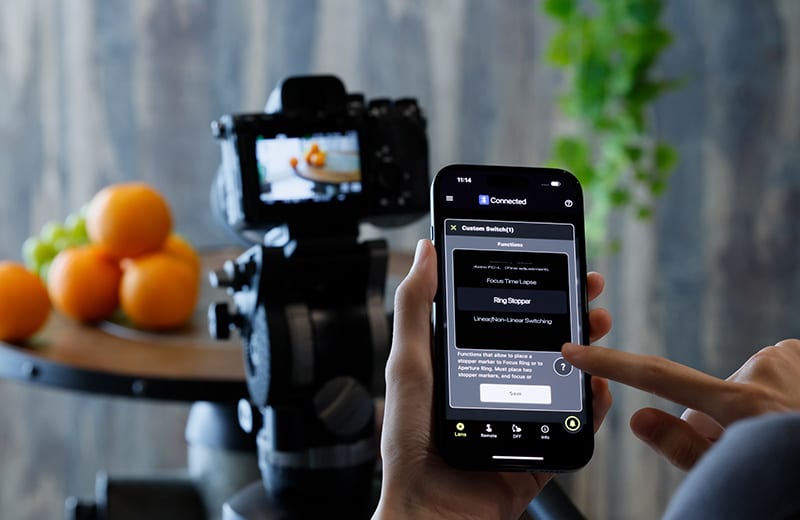
New Advancements and Possibilities for Your Shooting Workflow
TAMRON Lens Utility™ is an innovative application that lets you assign practical functions to your lens for both video and still photography using your smartphone or PC/Mac, eliminating the need for traditional video equipment. Designed to be intuitive and easy to use, it enhances lens functionality and elevates your creative experience.
We need your consent to display this video
We use a third-party service to embed video content. This service may collect data about your activities. Please read the details and agree to the use of the service to watch this video.
Connecting with the TAMRON-Link
Connect your lens and discover the features of the TAMRON Lens Utility app
Quickly and easily connect your compatible TAMRON lens to your smartphone to take full advantage of all the features of the TAMRON Lens Utility app.
To do this, plug the TAMRON-Link into the USB port of your lens and turn on your camera. Then open the TAMRON Lens Utility app and set up the connection by entering and saving the ID of your TAMRON-Link.
Once the setup is complete, the connection will be established automatically. The app provides various sections that allow you to customize and control your lens individually.
Among other things, you can:
configure the function of the focus ring and customize its operation
save focus positions and create automatic focus sequences for video or time-lapse
remotely control focus and aperture and define precise transitions
We will introduce each of these functions step by step below.
TAMRON LINK: Wireless lens control via Bluetooth with your smartphone – Learn more now!

TAMRON Lens Utility Mobile for Video

We need your consent to display this video
We use a third-party service to embed video content. This service may collect data about your activities. Please read the details and agree to the use of the service to watch this video.
Focus Remote
Plan and automate focus transitions for video shooting
With the Focus Remote tab in the TAMRON Lens Utility app, you can create and control precise focus transitions for your video recordings. Define multiple focus points and specify how quickly and in what order the focus should move between them.
You can set transition times, add delays, and automate entire focus sequences. This allows you to create intentional focus pulls that guide the viewer’s eye or enhance movement within the scene.
Even complex sequences with multiple focus points can be easily prepared and triggered at the touch of a button – optionally as a repeating sequence.
We need your consent to display this video
We use a third-party service to embed video content. This service may collect data about your activities. Please read the details and agree to the use of the service to watch this video.
DFF (Digital Follow Focus)
Control focus and aperture with precision and ease
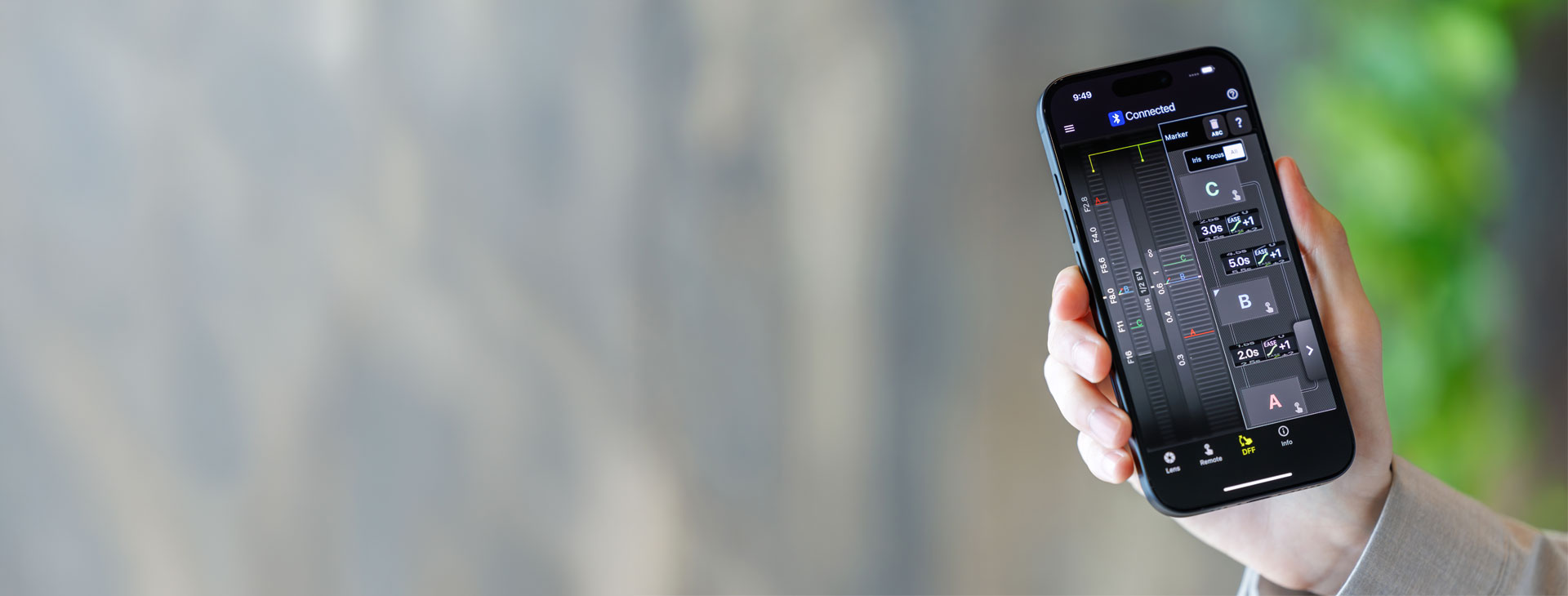
The DFF tab (Digital Follow Focus) turns your smartphone into a compact control hub for focus and aperture. Using the app, you can operate both parameters directly and precisely – similar to a traditional follow focus, but far more flexible.
You can define specific focus and aperture ranges to achieve controlled and repeatable settings. In addition, you can save multiple positions and quickly switch between them, including individually adjustable transitions.
This not only enables precise manual control during recording, but also allows for smooth, consistent focus and aperture transitions for professional results.
We need your consent to display this video
We use a third-party service to embed video content. This service may collect data about your activities. Please read the details and agree to the use of the service to watch this video.
Focus (FC)/Iris Marker Link
Easily Control Focus Pull and Aperture from Your Smartphone
You can set markers for both the focus and aperture rings, and with the DFF (Digital Follow Focus) screen, shift them instantly to the preset positions with a single tap.
* Aperture control via the DFF including Iris Marker and Focus (FC)/Iris Marker Link is not supported on Nikon Z mount.
We need your consent to display this video
We use a third-party service to embed video content. This service may collect data about your activities. Please read the details and agree to the use of the service to watch this video.
Ring Stopper
Electronically Controlled Stopper for Precise Ring Operation
This function lets you set an electronically controlled stopper for the focus and aperture rings, which helps prevent unintended over- or under-adjustment when operating them. With the DFF screen, you can manually control both rings at the same time with smooth, accurate operation.
* Nikon Z mount is not supported.
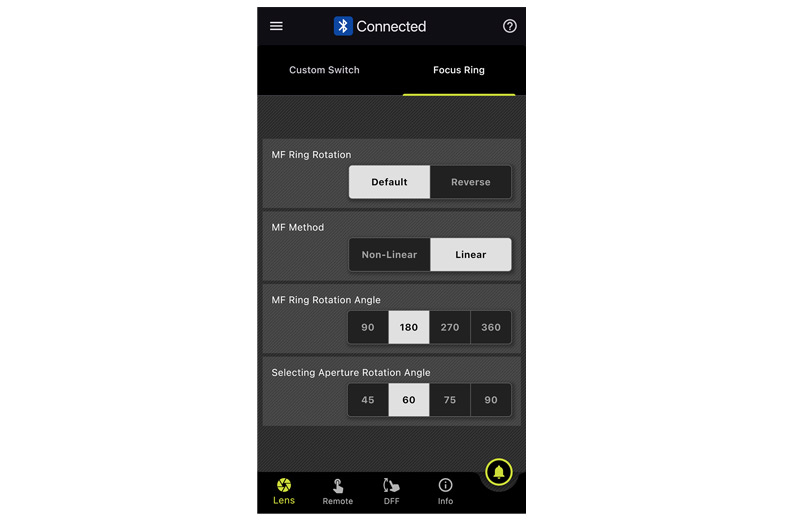
Selecting Focus and Aperture Rotation Angle
Adjust Ring Rotation Angle to Suit the Scene
This function lets you set the rotation angle of the focus and aperture rings. You can select the rotation angle according to the scene you are shooting in manual mode, allowing for operation that match your creative intentions.
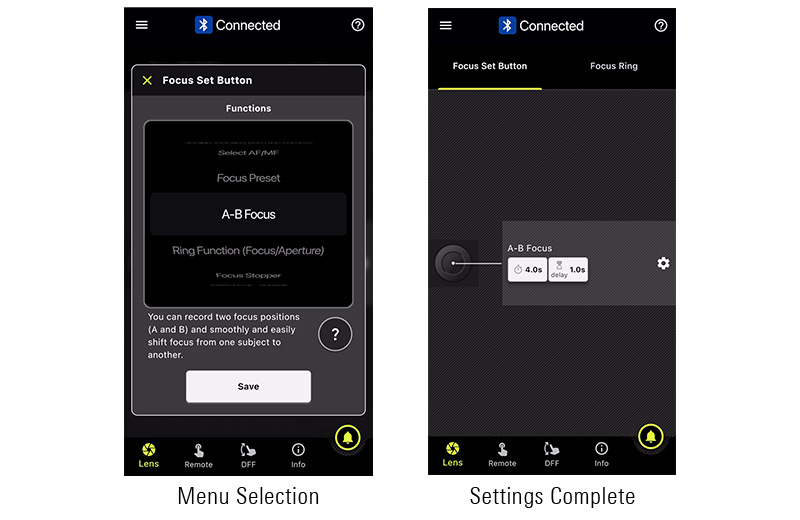
A-B Focus
Lets you smoothly and easily shift focus from one subject to another.
TAMRON Lens Utility Mobile for Time-Lapse

We need your consent to display this video
We use a third-party service to embed video content. This service may collect data about your activities. Please read the details and agree to the use of the service to watch this video.
Focus Time-Lapse
Add focus shifts to your time-lapse recordings
Add intentional focus transitions to your time-lapse recordings and bring extra dynamics and depth to your videos. In combination with your camera’s interval shooting function, you can adjust the focus position gradually and automatically—without any manual intervention during recording.
With the TAMRON Lens Utility app, you can easily plan the focus sequence in advance: define when the focus shift should begin and over what period it should take place. Then set the start and end points of the focus adjustment. During recording, the transition is carried out precisely and evenly.
This allows you to create smooth focus pulls that guide the viewer’s eye through the frame and give your time-lapse recordings a particularly cinematic look.
* Nikon Z mount is not supported.
Note: For the 28-75mm F/2.8 G2 (A063) and 20-40mm F/2.8 (A062), the Fine Adjustment function is supported in DFF mode. However, the corresponding arrow buttons for fine adjustment in the focus ring area are currently not displayed.
TAMRON Lens Utility Mobile for Astrophotography

We need your consent to display this video
We use a third-party service to embed video content. This service may collect data about your activities. Please read the details and agree to the use of the service to watch this video.
Astro Focus & Fine Adjustment
Precise focusing for night sky photography
With the Astro Focus function of the TAMRON Lens Utility app, you can set and save focus with exceptional precision for night and astrophotography. This ensures that stars and distant light sources are rendered sharply and reliably.
The Fine Adjustment function allows you to further fine-tune the focus position, adapting it perfectly to your shooting conditions. Once defined, a focus point can be saved and recalled at any time—ideal for recurring setups or changing lighting conditions.
This gives you maximum control over focusing in night photography and enables consistent, highly precise results.
Note:
For the 28-75mm F/2.8 G2 (A063) and 20-40mm F/2.8 (A062), the Fine Adjustment function is supported in DFF mode. However, the corresponding arrow buttons for fine adjustment in the focus ring area are currently not displayed.
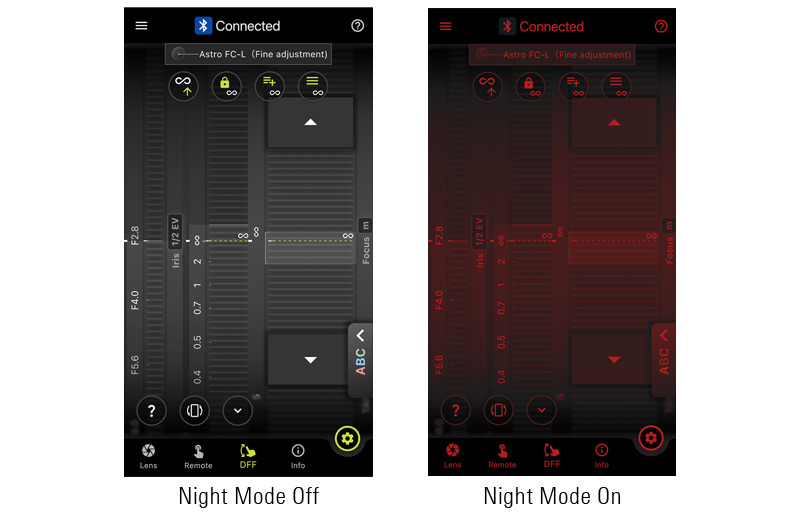
Night Mode
More Comfortable Shooting in Dark Places
The entire screen turns red and dims, reducing eye strain in low-light conditions and minimizing disturbance to other photographers around you.
TAMRON Lens Utility Mobile for Still Photo


Focus Limiter
Limit the Focus Range to Avoid Missing Shots
This function lets you limit the focus range when shooting moving subjects.
TAMRON's unique features:
Instantly switch between "Full" and "Limit" by pressing the Focus Set Button.
You can also set "Full" range while pressing the button and "Limit" range while pressing the button.
Select your preferred limited distance.
Common Features
What you can do with TAMRON Lens Utility









Previous Updates for TAMRON Lens Utility
In the following videos, you will find all the previous updates and information about the TAMRON Lens Utility:
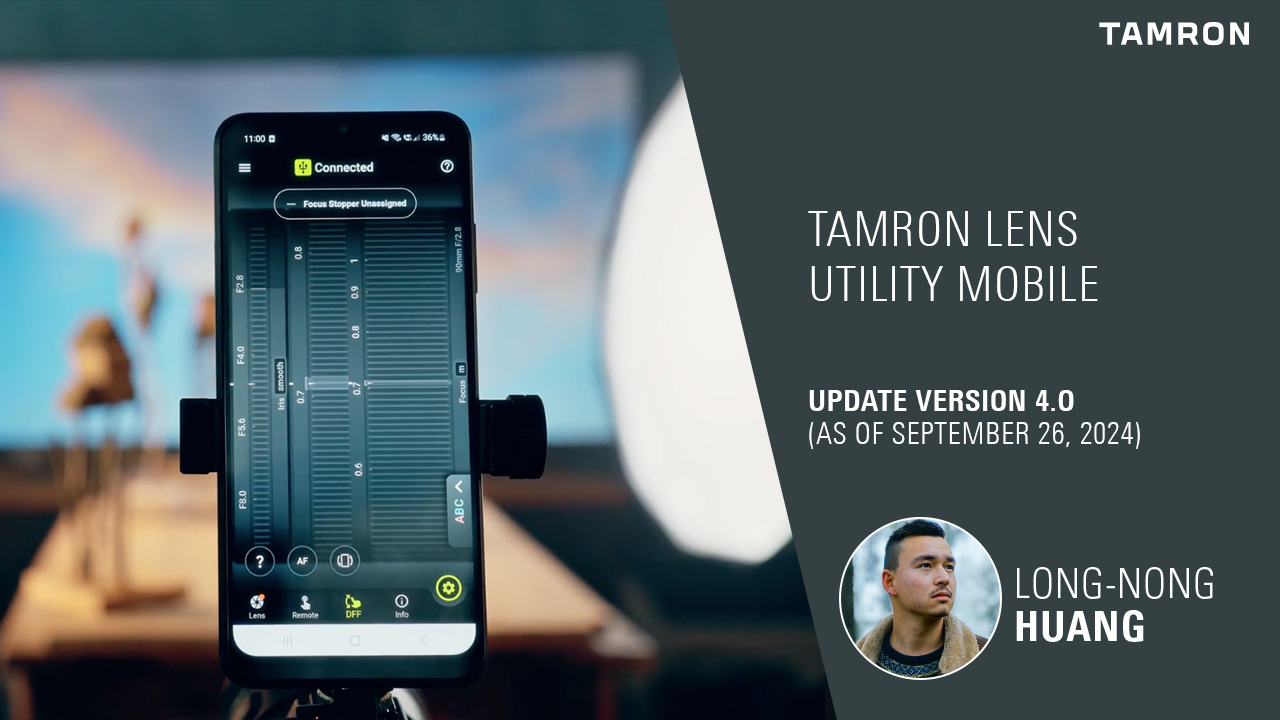
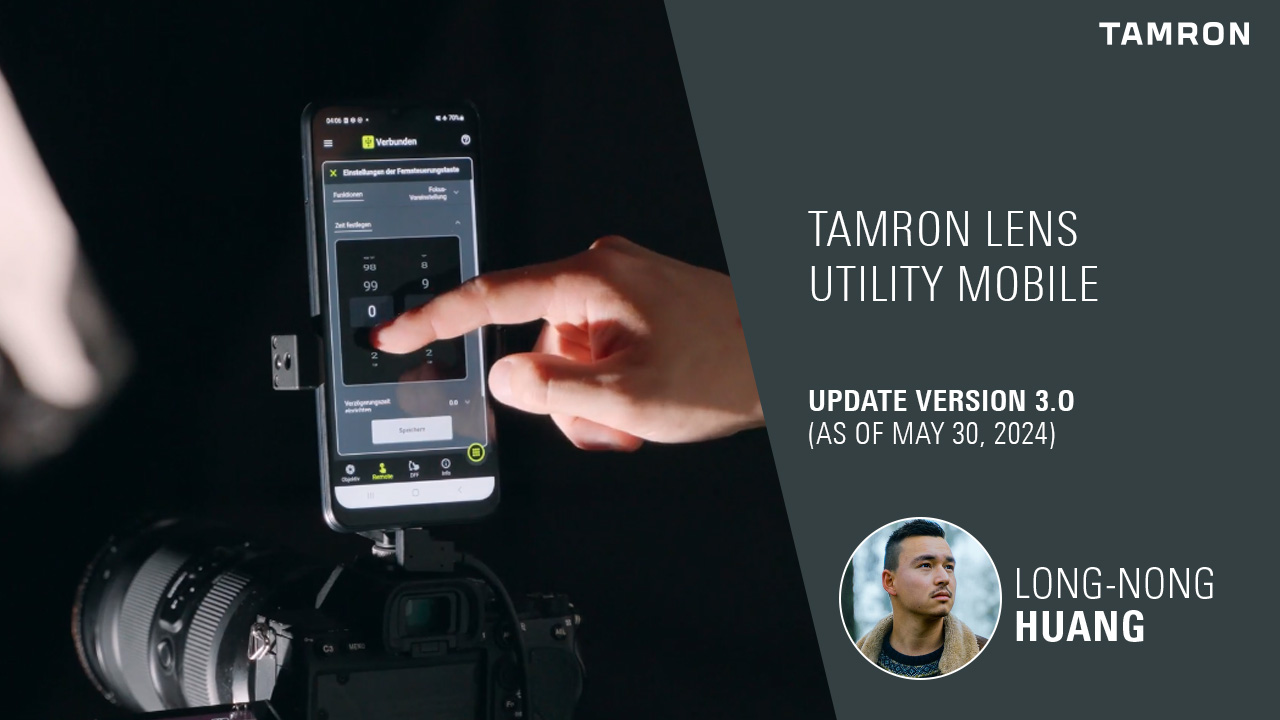
Tutorials for TAMRON Lens Utility Mobile
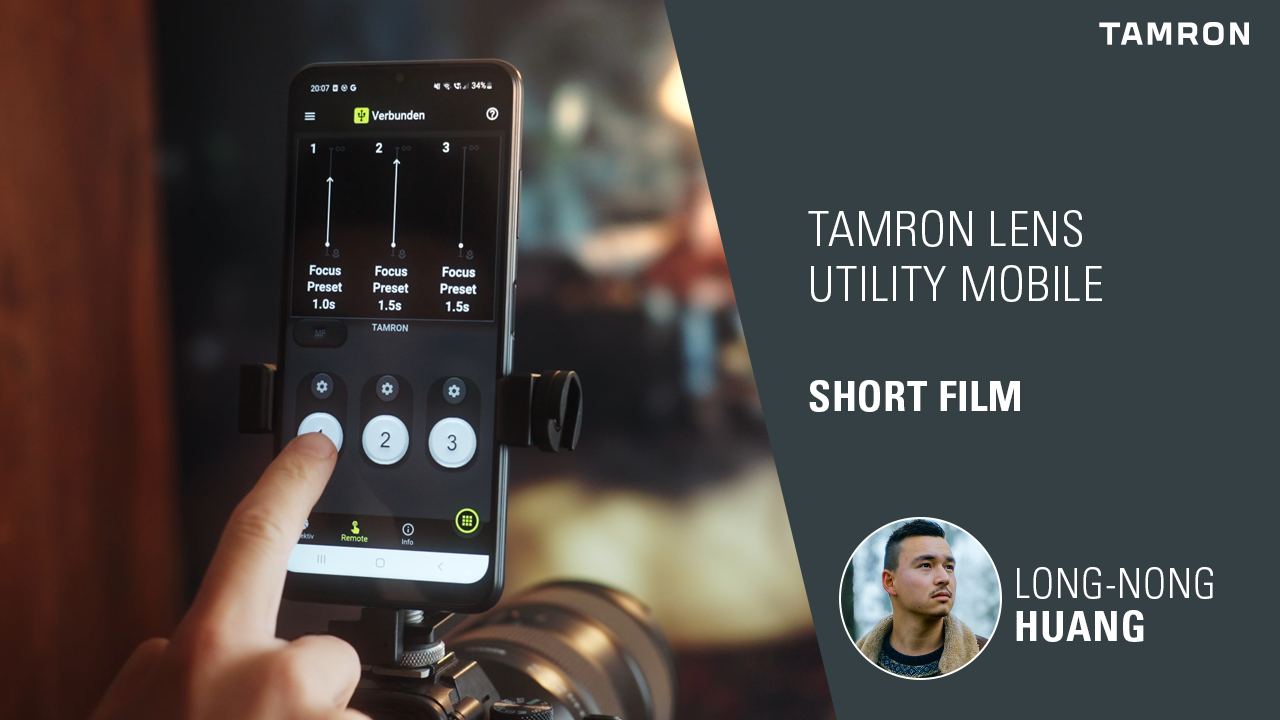
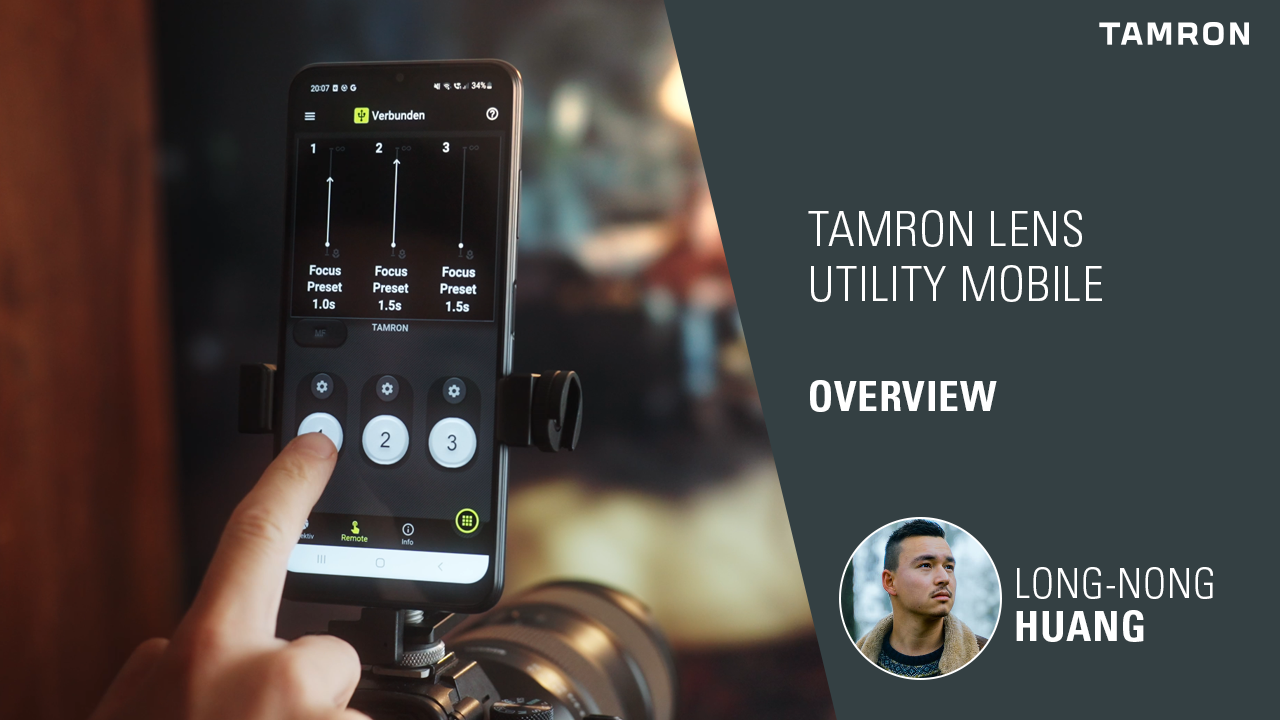
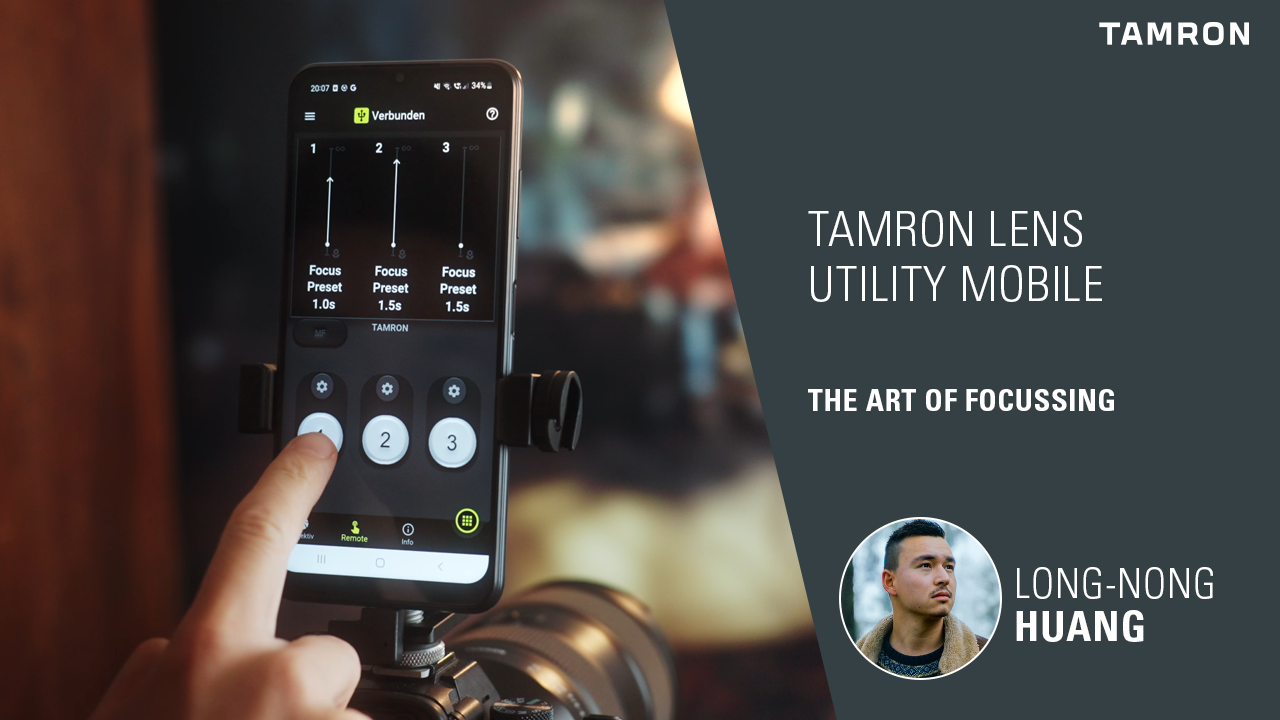
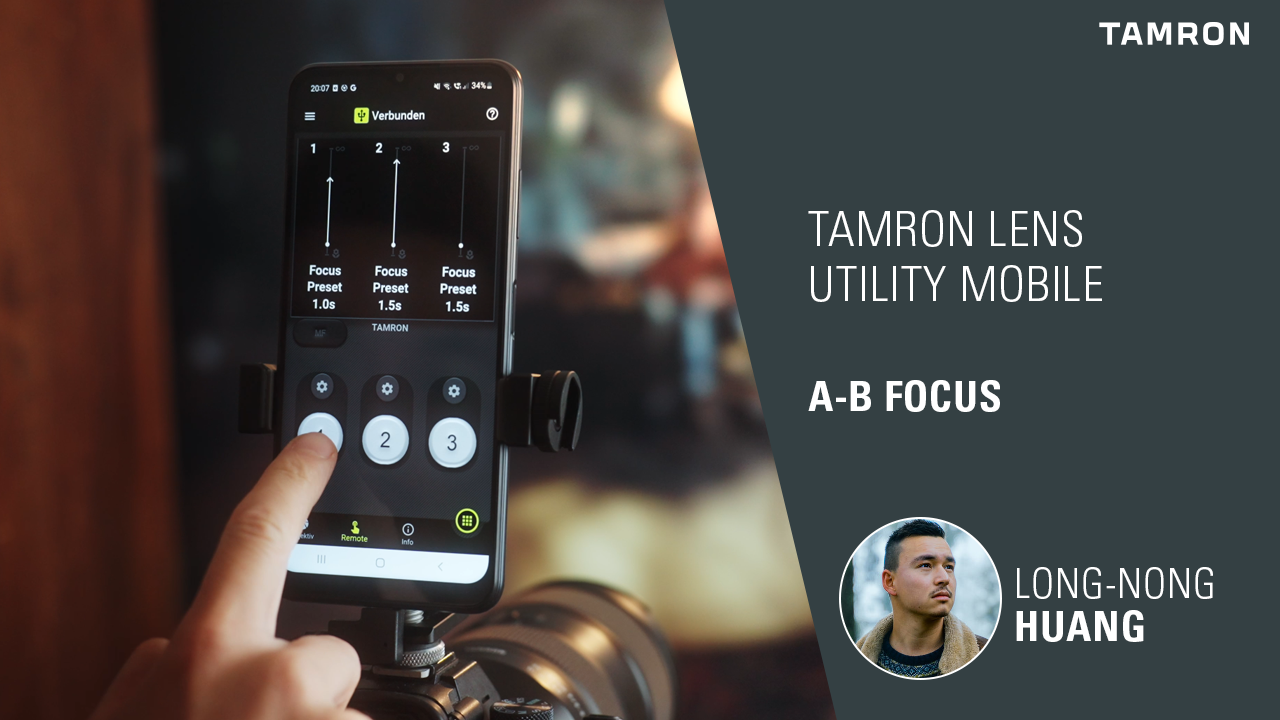
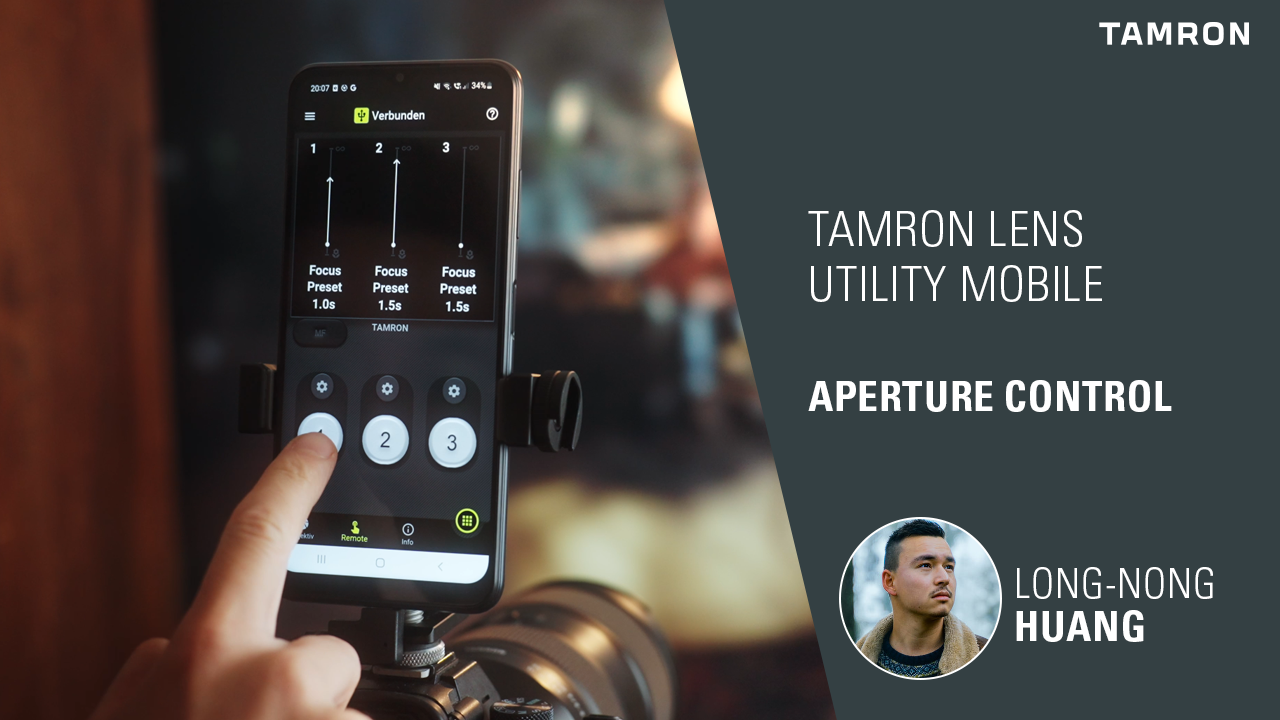
In the following videos, TAMRON reference photographer Long-Nong Huang explains how to use the TAMRON Lens Utility Mobile and how to set up and use the various functions in the smartphone app.
Tutorials for the TAMRON Lens Utility (Desktop Version)
In the following videos, TAMRON reference photographer Luke Stackpoole explains how to use the TAMRON Lens Utility and how to set up and use each feature. Here you can find our detailed compatibility list.

Download the TAMRON Lens Utility for Mac/Windows now
Keep your compatible TAMRON lens up to date with the TAMRON Lens Utility. Easily perform firmware updates, customize functions, and configure your lens to suit your shooting style. Download the desktop version for Windows or macOS now.


Maximum control, full compatibility.
Discover which TAMRON lenses are compatible with TAMRON Lens Utility and benefit from custom settings, firmware updates, and advanced features.
